
What The LinkedIn Icons Mean
Each contact in LeadLoft has a LinkedIn icon with a small dot indicator. The color of the dot tells you your connection status:
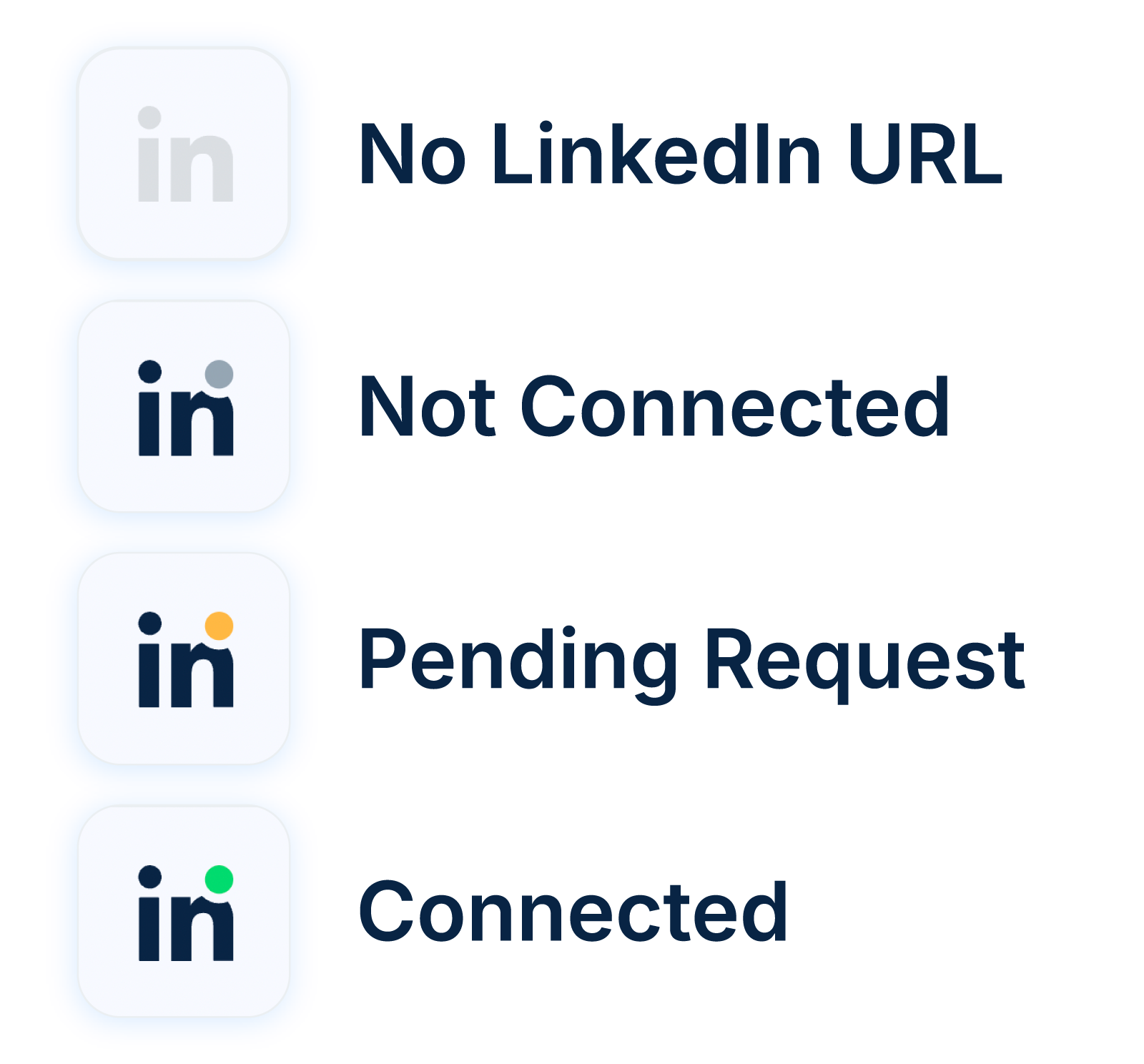

Your connection status is user-specific. The dot may appear green for you, and may appear gray for other users.
1. Grayed-Out LinkedIn Icon
No LinkedIn URL has been added for this contact.
2. LinkedIn Icon With Gray Dot ⚪
This contact has a LinkedIn profile, but you’re not connected yet.
3. LinkedIn Icon With Yellow Dot 🟡
You sent a connection request, but the contact hasn’t accepted it yet.
4. LinkedIn Icon With Green Dot 🟢
You’re connected! You can now message this contact on LinkedIn.

Tip: Hover your mouse over the LinkedIn icon to see the LinkedIn status.